
Important Update: Buddy Groups are changing to Role Based Access Tables
Coming Friday 18 September 2026
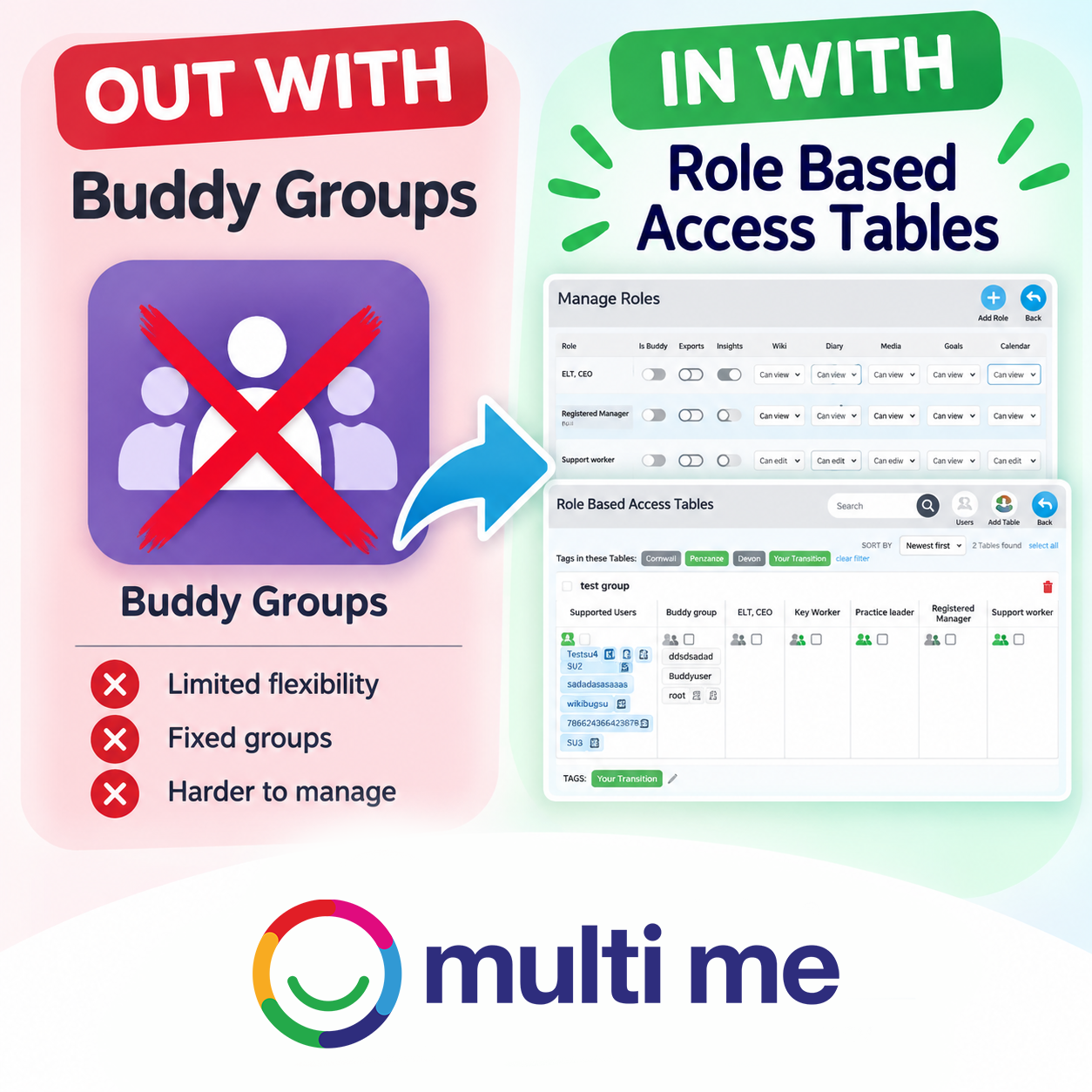
If you currently use the Buddy Groups feature within the Multi Me Portal Admin area, we’re making an important improvement to the way these groups and their permissions are managed.
On Friday 18 September 2026, the existing Portal Buddy Groups feature will be discontinued and replaced by our new Role Based Access (RBA) Tables system.
Please note: This change only affects Buddy Groups within the Portal Admin area. It does not affect Manage Access Tables or the granular access and permissions that can be given by a Buddy within a Supported User’s Circle. These will continue to work as they do now.
What are Role Based Access Tables?
Role Based Access Tables give Portal Administrators much greater flexibility and control over who can access a Supported User’s Multi Me content.
Instead of relying on fixed Buddy Groups, Portal Administrators will be able to create their own roles and decide exactly what level of access each role should have.
For example, in a support service, you might create roles for Support Workers, Agency Staff, Service Managers or Senior Managers.
In an educational setting, you might create roles for Teaching Assistants, Teachers, Heads of Department or other staff.
You can create as many roles as you need and assign different permissions to each one, allowing Multi Me to accurately reflect the staff roles, responsibilities and access requirements within your organisation.
Permissions can include Read, Write and Admin access across areas of a Supported User’s Multi Me, including:
Wiki
Diary
Calendar
Goals
Other areas of their Multi Me
This means people can be given the right level of access for the role they perform, making user permissions much easier and more efficient to manage.
What happens to existing Buddy Groups?
You do not need to do anything.
All existing Portal Buddy Groups and their user assignments will be migrated automatically to the new Role Based Access Tables.
A table will automatically be created for each existing Buddy Group, with tags showing which Community it belonged to, making your tables easier to search and filter.
Existing Buddy Groups will therefore be carried across into the new system rather than needing to be recreated manually.
Managing roles after the update
Portal Administrators will find the new system under:
Portal Admin → Manage User Roles
After migration, Portal Administrators can create additional roles, set permissions and assign users to these roles as required.
This provides much greater flexibility to organise access around the actual roles people have within your organisation and on Multi Me, with more precise control over what different staff members can see, contribute to and manage.
More information and support is coming soon
A notice will appear at the top of Multi Me with links to further information and Help Desk articles explaining the new Role Based Access feature and how to use it.
We believe this change will make managing user permissions in Multi Me much more efficient, while ensuring each person’s access and permissions are appropriate to their specific role within your organisation and on Multi Me.
It gives Portal Administrators greater control and makes it easier to ensure that everyone has the right level of access for the role they perform.