
My Stuff changes
Improvements to the My Stuff Dashboard
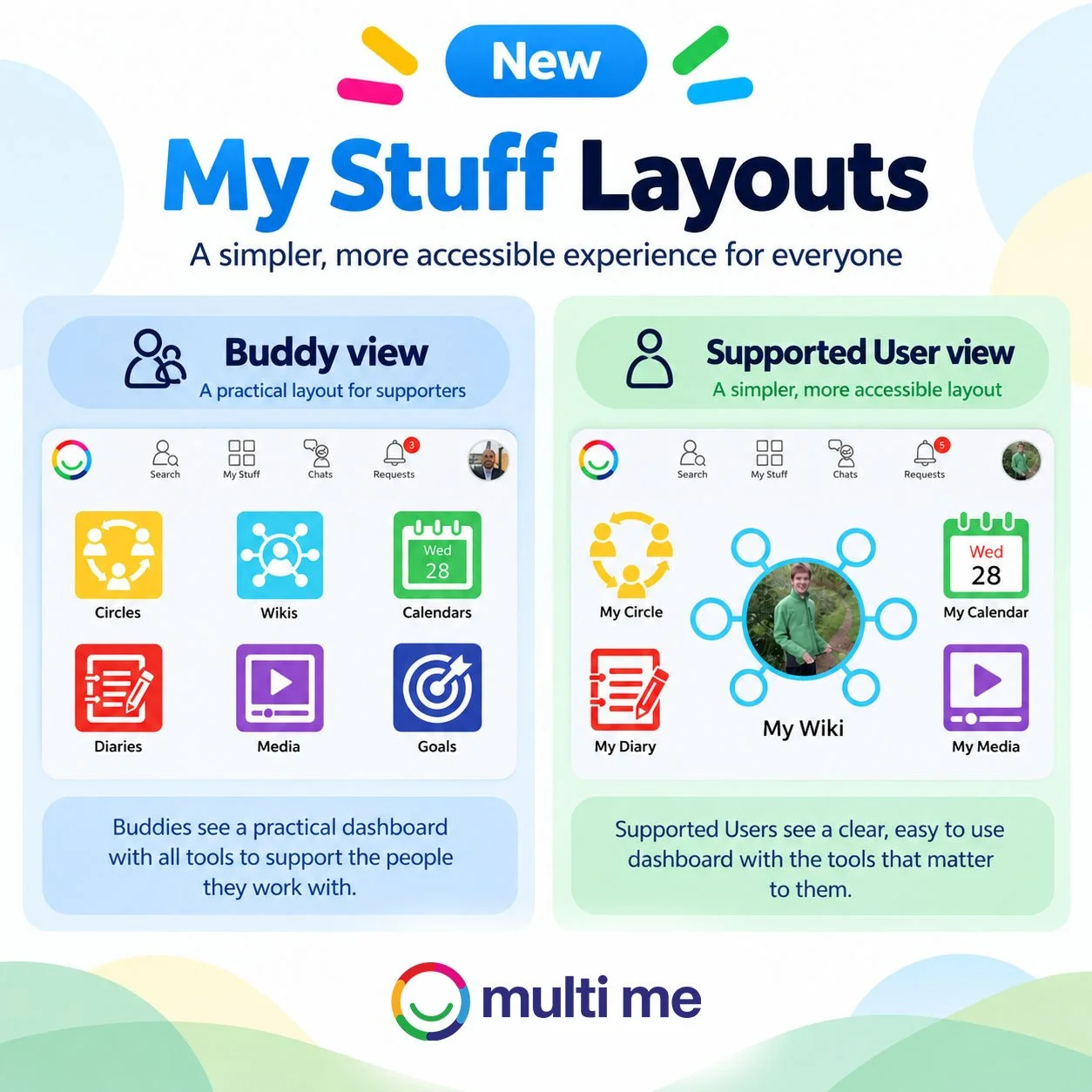
To make Multi Me simpler and easier to use, we’ve introduced some changes to the My Stuff dashboard for Buddies and Supported Users.
The improvements include:
More control for Buddies – Buddies can choose which My Stuff tools are shown on the dashboard of a Supported User they manage.
Different layouts for different users – Buddies now have a more practical dashboard for supporting others, while Supported Users have a simpler, more accessible layout designed around their own Multi Me.
Supported User dashboard
By default, Supported Users will now see:
My Wiki (or About Me for users without a Wiki), My Circle, My Diary, My Calendar and My Media.
My Goals will be switched off by default, but can easily be enabled by a Buddy where appropriate.
Changing My Stuff items
Buddies can customise the My Stuff dashboard for a Supported User they manage by going to:
Supported User’s page → Manage User → My Stuff items
From here, individual tools can be switched on or off to create a dashboard that better suits the person.
